# How to manage Leave Report
The below steps might be helpful for managing leave reports in the admin panel:
Login as Admin
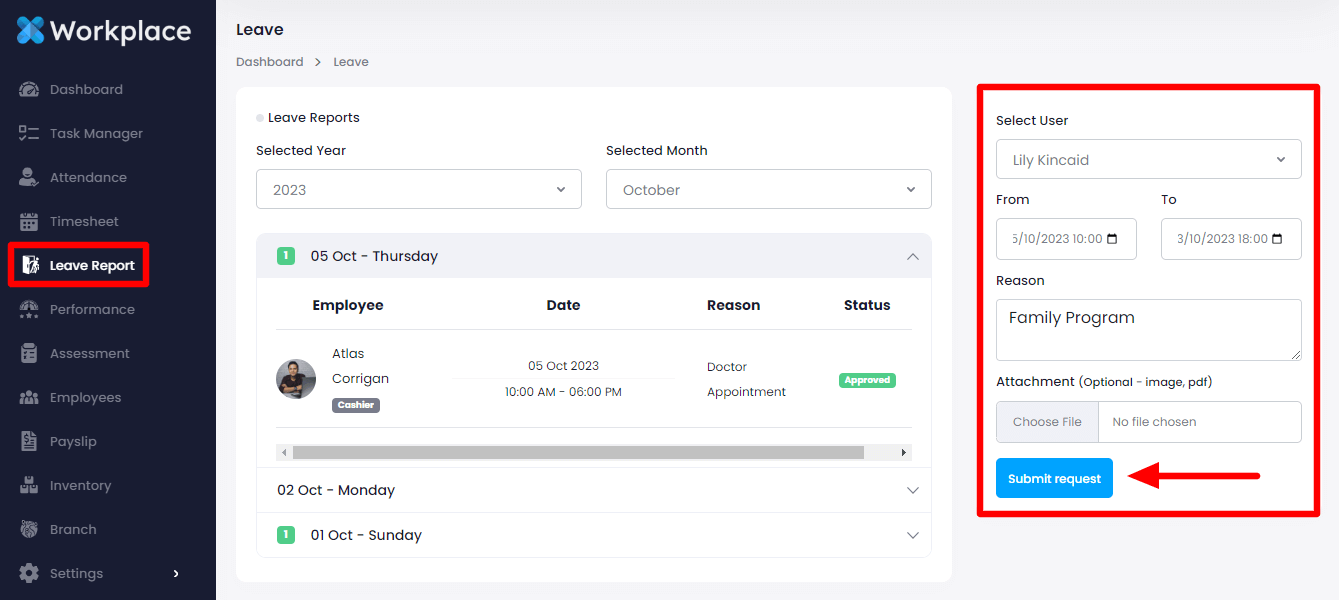
Select the "Leave Report" option from the left menu
To create a leave report select a user first from the right side, select time, write down the reason, and attach a picture. Then click on the "Submit Request" button to create a leave application.
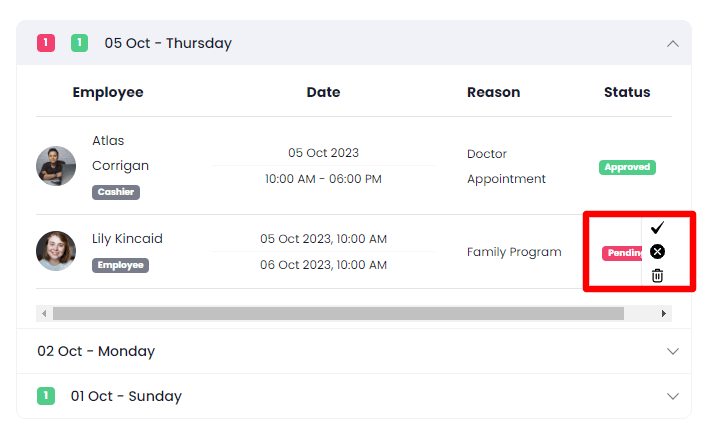
As an admin, you can approve, reject, and delete the request anytime by clicking on the icons.
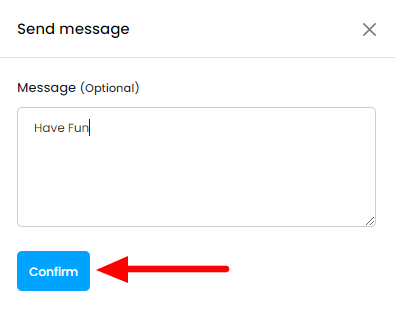
You need to write down a message after clicking on the approve and reject icons from the list. Write a message and click on the "Confirm" button to send the message.