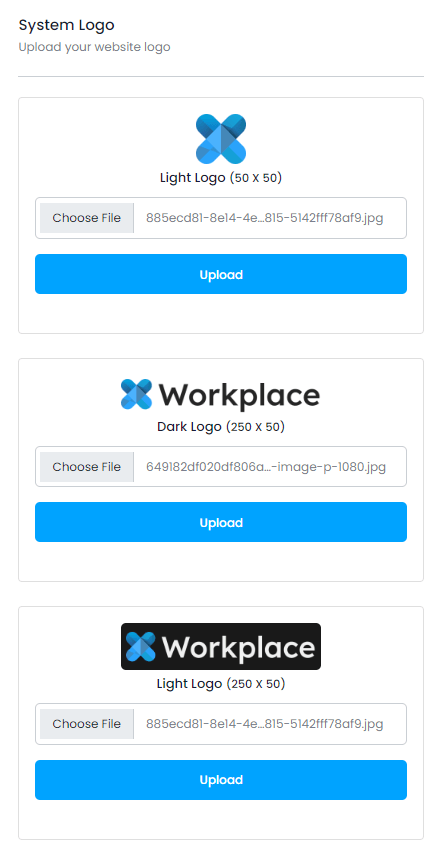
# System Settings
As an admin, you can access the system settings option. Here you can update the basic info about your application. The below steps might be helpful for this:
Login as admin
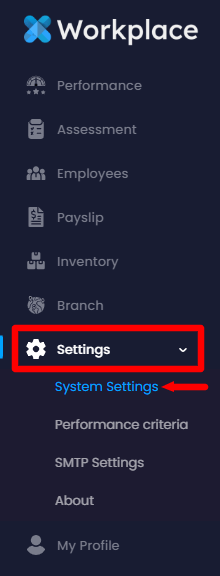
Select the "Settings" option from the left menu
Choose the "System Settings" option from the sub-menu
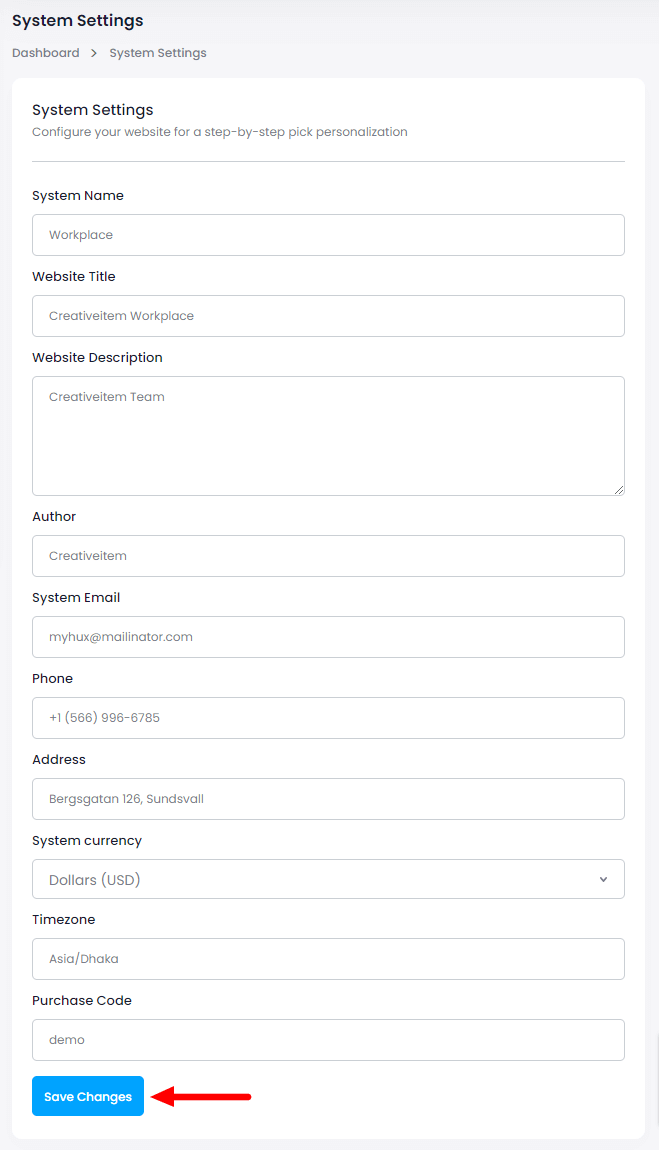
Here you can update:
System Name
Website Title
Website Description
Author Name
Email Address
Phone Number
Address
System Currency
Timezone &
Purchase Code
After modifying the changes click on the "Save Changes" button to save the changes.
You can also update your system logo from the right side.